
 how-to
How to Choose Security Systems for Office Buildings
Table of Contents
- Step 1: Conduct an Office Security Risk Assessment
- Step 2: Select Office Building Access Control Systems
- Step 3: Choose Office Security Camera Systems
- Step 4: Understand Commercial Security System Cost
- Step 5: Evaluate Vendor Experience and Service Levels
- Step 6: Plan for Integration, Maintenance, and Cybersecurity
- Step 7: Measure Effectiveness and Adjust Your Office Security Systems
- Frequently Asked Questions
Last Updated: October 5, 2026
Step 1: Conduct an Office Security Risk Assessment
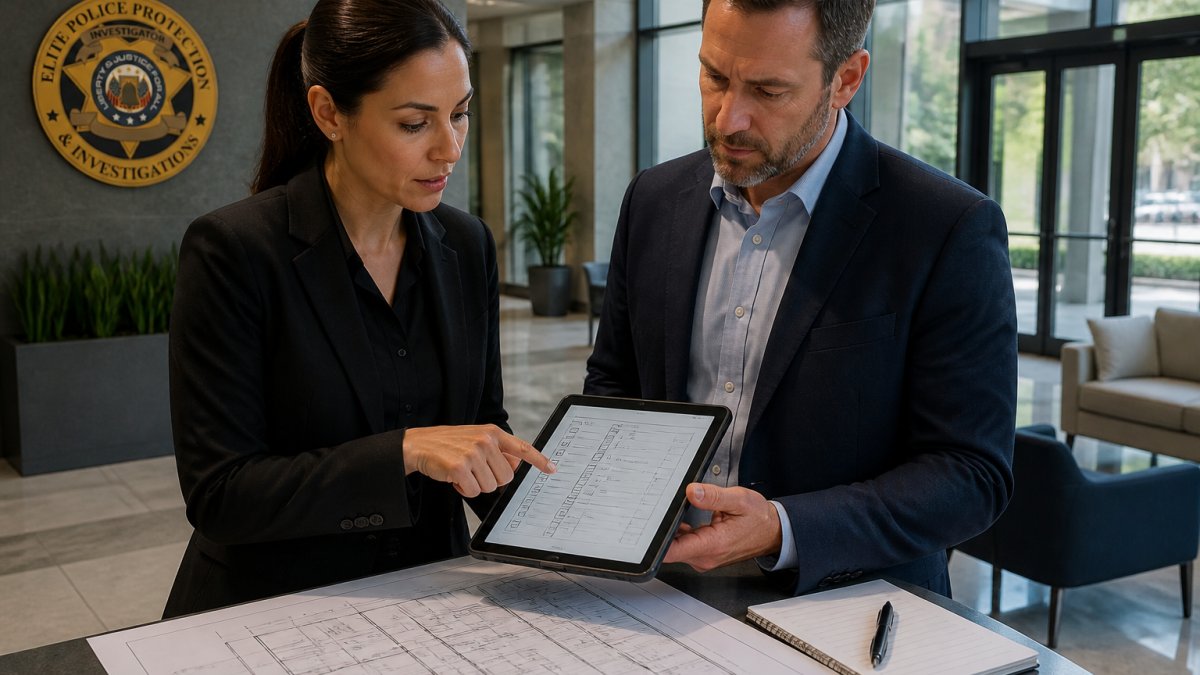
Learning how to choose security systems for office buildings starts with an office security risk assessment, a structured review that identifies what you need to protect, where your building is exposed, and which threats are realistic for your site.
Our off-duty and retired law enforcement officers can run these assessments for property managers, developers, and facility teams. The process is not complicated. It just has to be thorough.
Walk your building and answer four questions:
- What assets need protection? People, servers, records, cash, equipment.
- Where can someone enter without being seen? Loading docks, garages, side doors.
- Who legitimately comes and goes each day? Staff, visitors, contractors, deliveries.
Write down your answers. Then rank each risk by likelihood and impact. A rear loading door propped open every afternoon is a bigger problem than a visitor sign-in sheet nobody reads.
Step 2: Select Office Building Access Control Systems
Office building access control systems decide who gets in, where they can go, and when. They are the core of your physical security setup, and they matter more than cameras because they stop problems before they start.
You have three main choices, and most buildings end up combining them.
Comparing Access Control Options
| System Type | How It Works | Best For | Main Trade-Off |
|---|---|---|---|
| Keypad and PIN codes | Users enter a code at the door | Small offices, low traffic | Codes get shared and never changed |
| Card and badge readers | Staff tap a card or fob | Most office buildings | Cards get lost or loaned out |
| Biometric readers | Fingerprints or face scans verify identity | Server rooms, restricted areas | Higher cost, privacy questions |
Biometrics is the term for systems that verify identity using a physical trait, such as a fingerprint or a face scan. These systems are hard to fake, but they collect sensitive data. Several states, including Illinois and Texas, have laws that govern how private employers handle biometric information, so check your state rules before you install anything.
A work badge on a card reader handles 90% of daily traffic well. Save the fingerprint and face scan readers for the rooms that genuinely need them.
Step 3: Choose Office Security Camera Systems
Office security camera systems do one job: they show you what happened and help deter it from happening again. Buy cameras after you have mapped your access points, not before.
Match the camera to the space.
Camera Types and Placement
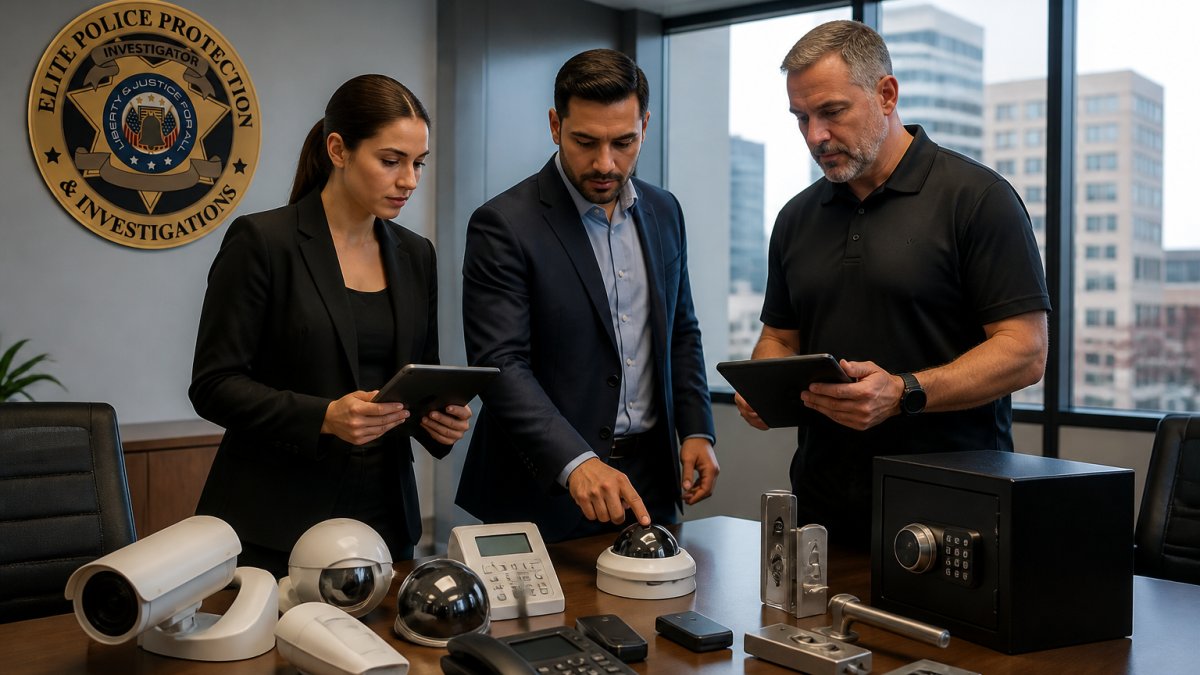
- Dome cameras: Best for lobbies and hallways. Hard to see which way they point.
- Bullet cameras: Best for parking lots and long exterior runs. Visible on purpose.
- Pan-tilt-zoom cameras: Best for large open areas where one view is not enough.
Placement matters more than specs. Cover every entry and exit, the loading dock, the cash or server room, and the path from the parking area to your front door. Skip private areas like restrooms and break rooms, and post signage so employees know they are on camera.
Step 4: Understand Commercial Security System Cost
Commercial security system cost depends on building size, camera count, access points, and whether you want monitoring. There is no single number, and any vendor who quotes one before walking your site is guessing.
What you can do is build the estimate yourself, line by line, before you take a single quote. That is the part most buyers skip, and it is why they end up comparing apples to oranges.
The four cost buckets
Every office security budget breaks into four buckets. Ask each vendor to price all four separately, in writing.
- Equipment. Cameras, readers, controllers, panels, sensors, cabling, and the server or cloud gateway that ties them together. This is the number vendors lead with because it is the easiest to quote.
- Installation and configuration. Labor, conduit, mounting, network drops, and programming. On a retrofit, installation can rival or exceed equipment cost because of drywall, ceiling access, and after-hours work rules.
- Recurring subscriptions. Monitoring, cloud video storage, software licenses, cellular backup, and remote access. These are billed monthly or annually and never stop.
What actually drives the number up
A few variables move the total more than anything else:
- Building size and camera count. More square footage means more coverage points, more cabling, and more storage.
- Number of access-controlled doors. Each door needs a reader, a controller, a lock, and a request-to-exit device. Doors are the most underestimated line item in office security.
- New construction vs. retrofit. Pre-wiring during construction is far cheaper than fishing cable through finished walls later.
Total cost of ownership, not sticker price
The cheapest install often carries the highest long-term bill. Ask every vendor for the total cost of ownership over three years, broken into the four buckets above.
A common pattern is that the lowest equipment quote comes with the highest subscription and service rates, because the vendor makes its margin on the back end. The reverse is also true: a higher install quote from a vendor with a lower recurring rate can win over three to five years.
Budget for scaling
Office buildings change. Tenants move in and out, floors get reconfigured, and hybrid work shifts traffic patterns. Build your budget with room to add doors and cameras without replacing the whole platform.
Pricing for security services depends on your site, coverage hours, and staffing needs, so properties are quoted individually. Request a walkthrough and a written quote rather than accepting a phone estimate.
Step 5: Evaluate Vendor Experience and Service Levels
A security vendor is only as good as the people who show up at your building. This is where most buying decisions go wrong, because buyers compare quotes instead of track records.
Ask every vendor these questions:
- Can you show proof of insurance and licensing?
- Who exactly will staff my site, and how are they vetted?
- What happens if a guard no-shows?
The no-show problem is real. Property managers tell us they have kept backup plans in place for years because previous vendors sent whoever was available. Our officers are off-duty, retired, or prior law enforcement professionals, and clients get real-time access to approved reports and patrol data through our guard monitoring portal.
Step 6: Plan for Integration, Maintenance, and Cybersecurity
Your systems should talk to each other. When access control, cameras, and alarms run on separate platforms, your team wastes time switching screens during an incident. Integration is not just convenience; it is what lets one event trigger a coordinated response.
How integration actually works
A modern office security stack has four layers that need to share data:
- Access control decides who enters and logs every door event.
- Video surveillance records what happens at those doors and everywhere else.
- Intrusion detection watches for entry when the building should be empty.
- Visitor management tracks who is expected, who signed in, and who is still on site.
When these run on one platform, a badge swipe at a restricted door can pull up the matching camera feed, log the event, and alert a guard if the badge is not authorized for that area.
Ask vendors one direct question: which of these four layers does your platform natively manage, and which require third-party integrations? Native is simpler and more reliable. Integrations work but add configuration and failure points.
Building-specific planning
Generic advice does not survive contact with a real building. Plan for these conditions:
- Multi-tenant offices. Different tenants may want their own access rules, camera views, and after-hours permissions. Decide up front whether the landlord or the tenant controls each layer, and put it in the lease.
- Existing infrastructure. Older buildings may lack network cabling, power at door frames, or space for a head-end room. A site walk should identify what needs to be added before anyone quotes equipment.
- Fire and life-safety coordination. Electrified door locks must release on a fire alarm. This is a code requirement in most jurisdictions, and it is a common failure point when access control is added to an existing building. Coordinate with your fire alarm vendor, not just your security vendor.
- Phased retrofits. You rarely replace everything at once. Plan the sequence so old and new systems coexist during the transition, and so each phase delivers standalone value.
Privacy and data handling
Cameras and access systems collect personal data. Treat that as a real obligation, not an afterthought.
- Biometric data. Several states, including Illinois and Texas, regulate how private employers collect and store biometric identifiers. Get written consent, publish a retention schedule, and know how the data is destroyed.
- Video footage. Decide who can view it, how long it is retained, and how law enforcement requests are handled. A written policy prevents ad hoc decisions during an incident.
- Access logs. Door records show when employees arrive and leave. Restrict who can pull those reports and document the reason for each request.
Cybersecurity for connected devices
Connected devices also create a new risk. A camera on your network is a computer, and an unprotected one is a way in. Follow basic network security steps:
- Put security devices on their own network, separate from staff Wi-Fi
- Change every default password before the system goes live
- Keep firmware updated on every camera and reader
- Limit who can view footage and pull reports
Maintenance and resilience
Plan maintenance on a schedule. Test alarms monthly, clean camera lenses quarterly, and review access lists when staff leave.
Also plan for outages. If the network goes down, do doors fail open or fail locked? If the cloud platform is unavailable, can guards still view live video?
For guidance on securing network-connected devices, the Cybersecurity and Infrastructure Security Agency's guidance on securing internet-connected devices is a solid starting point.
Step 7: Measure Effectiveness and Adjust Your Office Security Systems
A security system is not a one-time purchase. Measure it, or you will never know if it works.
Track these numbers:
- Number of incidents per month, by type
- False alarm rate
- Average guard response time
- Access denials and after-hours entries
Review them quarterly with your vendor and your facility team. If false alarms climb, adjust sensor placement.
We recommend a full review of your setup once a year, plus a fresh risk assessment any time your building changes.
Elite Police Protection helps property managers and facility teams do exactly that.
Frequently Asked Questions
What is the best security system for an office?
The best office security systems combine access control, video surveillance, and intrusion detection tailored to your building's layout and risks. A single-door office may only need a smart lock and one camera, while a multi-tenant high-rise requires networked access control, monitored cameras, and alarm integration. Start with a risk assessment to identify vulnerable entry points, then match technology to those findings rather than buying a generic package.
How do I assess security risks in an office building?
Walk the property and document every entry point, from main lobbies to loading docks and stairwells. Identify what assets need protection, review past incident reports, and note lighting gaps or blind spots. Talk to employees about where they feel unsafe. This office security risk assessment gives you a prioritized list of vulnerabilities so you can invest in the controls that address your actual threats instead of guessing.
Should an office use access control or traditional keys?
Access control is almost always the better choice for offices with more than a handful of employees. Keys get copied, lost, and never returned, and you cannot tell who entered a restricted area or when. Card readers, keypads, and mobile credentials let you revoke access instantly, set time-based permissions, and keep an audit trail. Traditional keys still work for low-traffic storage closets or backup mechanical locks.
What is the average cost of a commercial security system?
Commercial security system cost varies widely based on building size, camera count, and whether you choose monitored or self-managed services. A small office might spend a few thousand dollars on basic cameras and a keypad, while a multi-floor building with dozens of cameras, networked access control, and 24/7 monitoring can run into tens of thousands. Request itemized quotes and ask about installation, licensing, and ongoing monitoring fees separately.